
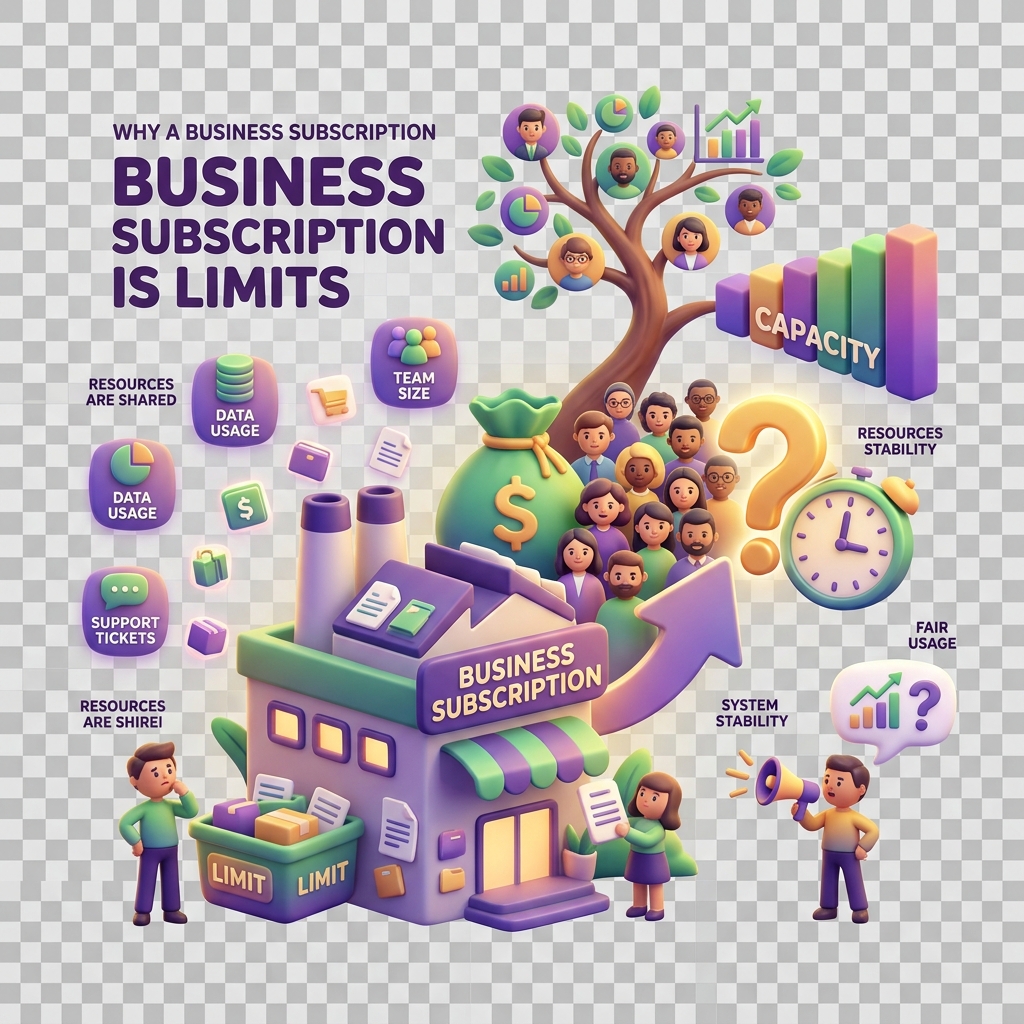
Why a business subscription is limited
When your KiddyCash business account hits a plan limit, certain actions stop working — sometimes mid-flow, which can be disruptive if you’re running a campaign or processing payouts for a school in your city during a busy term. This article explains what you’ll see, why it happens, and how to get unblocked quickly.
Symptoms
You may encounter a plan limit in several ways:
- A hard block with an error message like “You’ve reached the limit for active campaigns on your current plan”
- A greyed-out button — for example, the option to add a new wallet group or invite a staff member is visible but unclickable
- A silent failure where a transaction code is generated but the linked payout doesn’t process, leaving the transaction in a pending state longer than expected (see why a transaction stays pending too long)
- A dashboard warning banner that appears when you’re approaching — but haven’t yet hit — your limit
What causes the block
KiddyCash business plans are tiered. Each tier sets a ceiling on specific resources: the number of active campaigns, linked family accounts, monthly transaction volume (relevant if you’re processing your local currency-denominated allowances at scale), and connected bank integrations.
The most common triggers are:
- Campaign limits — You’ve created the maximum number of active campaigns allowed on your tier. Completed or paused campaigns still count toward your quota until they’re archived.
- Bank integration caps — Your plan only allows a set number of connected accounts. If you recently added an mobile money business till or a new bank feed, you may have hit the ceiling. The latest supported integrations are covered in what’s new in bank integrations in KiddyCash, and a closer look at bank integrations in KiddyCash goes deeper on how limits apply per integration type.
- KYB verification status — An incomplete or rejected business verification can artificially restrict your account to a lower functional tier even if you’re on a paid plan. If you suspect this, check why verification gets rejected before upgrading — paying for a higher tier won’t lift limits caused by a KYB hold.
- Wallet count thresholds — Each plan supports a maximum number of active kids’ wallets linked to your business. Schools managing large student cohorts often hit this first.
How to resolve it
1. Check your current usage
Go to your subscription page to see a breakdown of what you’re using versus what your plan allows. Replace :business_id with your actual business ID from the URL bar.
2. Free up resources before upgrading
Before paying for a higher tier, audit what’s consuming your quota:
- Archive completed campaigns rather than leaving them active
- Disconnect unused bank integrations
- Remove inactive staff accounts or wallet groups
3. Upgrade your plan
If you’ve cleaned up and still need more headroom, upgrade directly from the subscription page. Changes take effect immediately — there’s no waiting period.
4. Resolve any KYB issues first
If the subscription page shows your plan as active but limits are still enforced, check whether your business verification is pending or flagged. A pending KYB review overrides plan-level permissions until the review completes.
5. Contact support if the block persists
If your usage is clearly within plan limits but actions are still blocked, this is likely a platform-side issue. Reach out through the in-app chat with your business ID and a screenshot of the error.