
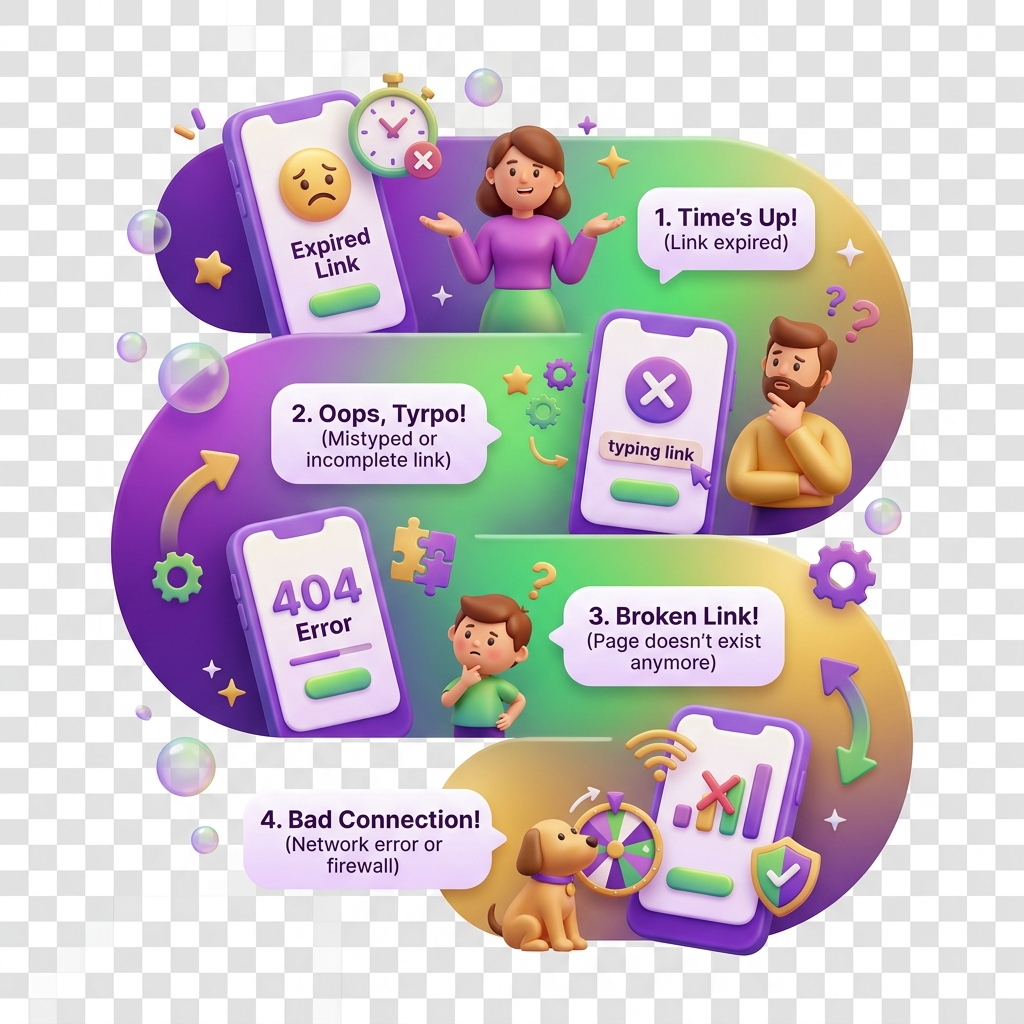
Why a PIN reset link does not work
PIN reset emails are time-sensitive and path-sensitive. If yours is not working, the problem almost always falls into one of a few predictable categories — and most are fixable in under two minutes.
Symptoms
- Clicking the reset link shows a “link expired or invalid” error
- The page loads but the new PIN form does not appear
- You submit a new PIN and get looped back to the login screen
- The link works on desktop but not on mobile (or vice versa)
Common causes
1. The link has expired
KiddyCash PIN reset links are valid for 15 minutes from the time of issue. This window is intentionally short to protect kids’ wallets and family account balances. If you were juggling school run traffic in your city or waited to check email later in the day, the link is likely already dead.
2. A newer link invalidated the older one
Every time you request a reset at https://kiddy.cash/forgot-pin, the previous link is immediately voided. If you clicked Send link more than once, only the most recent email is valid. Check your inbox for the latest message — timestamps matter here.
3. Email client rewrote or broke the URL
Some corporate email gateways and mobile mail apps (particularly on lower-bandwidth Android clients common across regions worldwide) wrap links for click-tracking, appending extra parameters that can corrupt the token. The full reset URL should contain a single token= query parameter. If yours looks mangled or double-encoded, copy-pasting it into a browser address bar often resolves it.
4. You are not logged out on the device opening the link
If a parent or guardian account is already signed in on the device, the session can intercept the reset flow and redirect to the dashboard instead of the PIN form. Sign out first, then click the link again.
5. KYC/KYB status is blocking the reset
Less common, but if your account is mid-verification or has a flagged document, the PIN reset flow can stall silently. This is related to the same identity pipeline described in why verification gets rejected. Check your verification status before retrying.
Solutions
-
Request a fresh link. Go to https://kiddy.cash/forgot-pin, enter your registered email or phone number, and open the new link within 15 minutes. Do not request it multiple times unless the first email does not arrive.
-
Check the right inbox. If you use different emails for your KiddyCash account and your phone (common when mobile money is the primary contact method), make sure you are checking the email address tied to your KiddyCash profile, not your mobile money-registered number.
-
Copy the full URL manually. Highlight the entire link in your email client, paste it into Chrome or Firefox, and load it fresh. Avoid link-preview apps that pre-fetch URLs — they can consume the token before you do.
-
Sign out of all active sessions first. On the KiddyCash app, go to Settings → Active sessions and end any open sessions, then use the reset link.
-
Check for account-level holds. If your account has a pending transaction stuck in review — the kind of delay covered in why a transaction stays pending too long — resolve that first, as it can sometimes block credential changes.
-
Bank integration timing. If you recently connected or reconnected a bank account, note that some integrations take a short time to stabilise. The recent updates to bank integrations in KiddyCash and a deeper look at how bank integrations work explain what happens during that window and why credential flows can behave unexpectedly.
If none of the above resolves the issue, contact KiddyCash support with the timestamp of your reset request and the email address on file.