
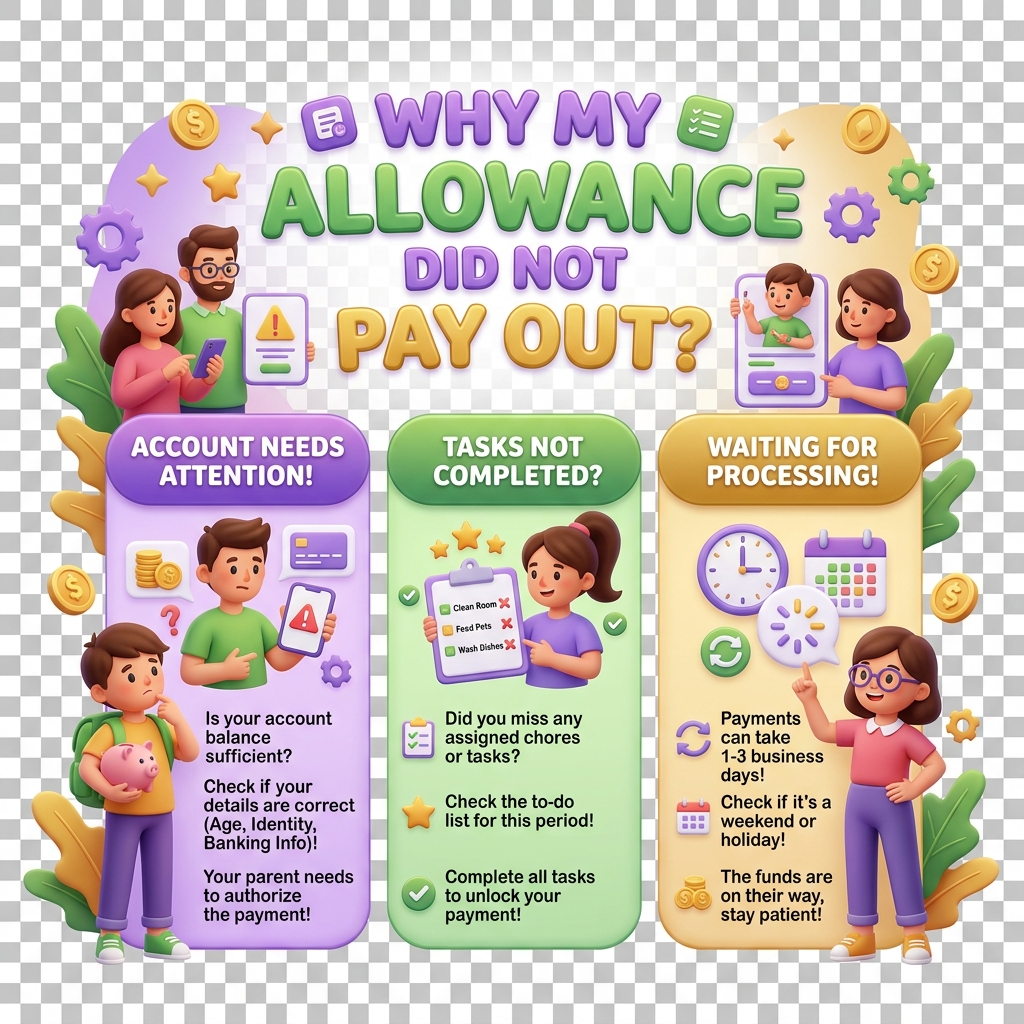
Why My Allowance Did Not Pay Out on Schedule
Scheduled allowances are one of KiddyCash’s most reliable features, but a few specific conditions can silently block a payout without any error message in the app. If you’re staring at a child’s wallet that should have received funds — and didn’t — this guide walks through what actually goes wrong and how to fix it.
Symptoms
You’re likely dealing with a missed allowance if:
- The child’s wallet balance did not change on the expected day or time
- No transaction appears in the allowance history for that cycle
- The allowance shows as Active on your allowances dashboard but the last payout date is in the past
- The child received a payout previously but the most recent cycle was skipped
Common Causes
Understanding why the allowance failed is more useful than jumping straight to fixes. There are four main culprits:
1. Insufficient balance in the funding source
KiddyCash pulls allowance funds from your family wallet at the time of scheduled payout — not when you set the schedule. If your wallet balance was below the allowance amount at the exact moment the system tried to process it, the payout is skipped entirely. This is the most common cause, especially for families topping up via mobile money who may not catch a low-balance window.
2. KYC verification lapse
If your account KYC status expired or was flagged for review between payouts, scheduled allowances are paused automatically. This protects regulatory compliance across markets, including many markets (your local currency accounts) and other supported regions. Check your account verification status under your profile settings.
3. The allowance schedule was edited mid-cycle
Editing the payout day, amount, or child assignment after a cycle has already started can cause that cycle to be skipped. KiddyCash treats the edit as a new schedule starting from the next cycle. If you recently adjusted the allowance — for example, switching from a biweekly to a weekly allowance — the transition period may have swallowed a payout.
4. Child’s wallet is inactive or restricted
A child’s wallet may be temporarily inactive if their profile is incomplete, if a spending restriction was applied by another parent or guardian in the family group, or if the wallet was flagged during a routine review. Funds cannot be deposited into an inactive wallet, so the allowance silently fails.
5. Technical processing delay
Rarely, allowances are queued but not yet settled — particularly around midnight or during high-traffic periods. Wait up to two hours past the scheduled time before concluding a payout was missed rather than delayed.
What to Do
Start by opening your allowances dashboard and checking the Last Paid date against the schedule. Then:
- Check your family wallet balance — confirm it had sufficient funds at the time of the scheduled payout, not just right now.
- Review your KYC status — go to Account → Verification and look for any pending or expired items.
- Inspect the child’s wallet status — open the child’s profile and confirm the wallet is active and unrestricted.
- Look for recent edits — if the schedule was changed recently, the skipped cycle may be expected behavior.
If the allowance shows as Active but funds genuinely did not arrive and none of the above apply, follow the steps in how to fix an allowance that did not generate to trigger a manual review or reprocess the missed payout.
Prevention
Keep your family wallet topped up with at least one extra cycle’s worth of funds as a buffer. Set an mobile money auto-topup reminder or use KiddyCash’s low-balance notification so you’re never caught short on payout day.