
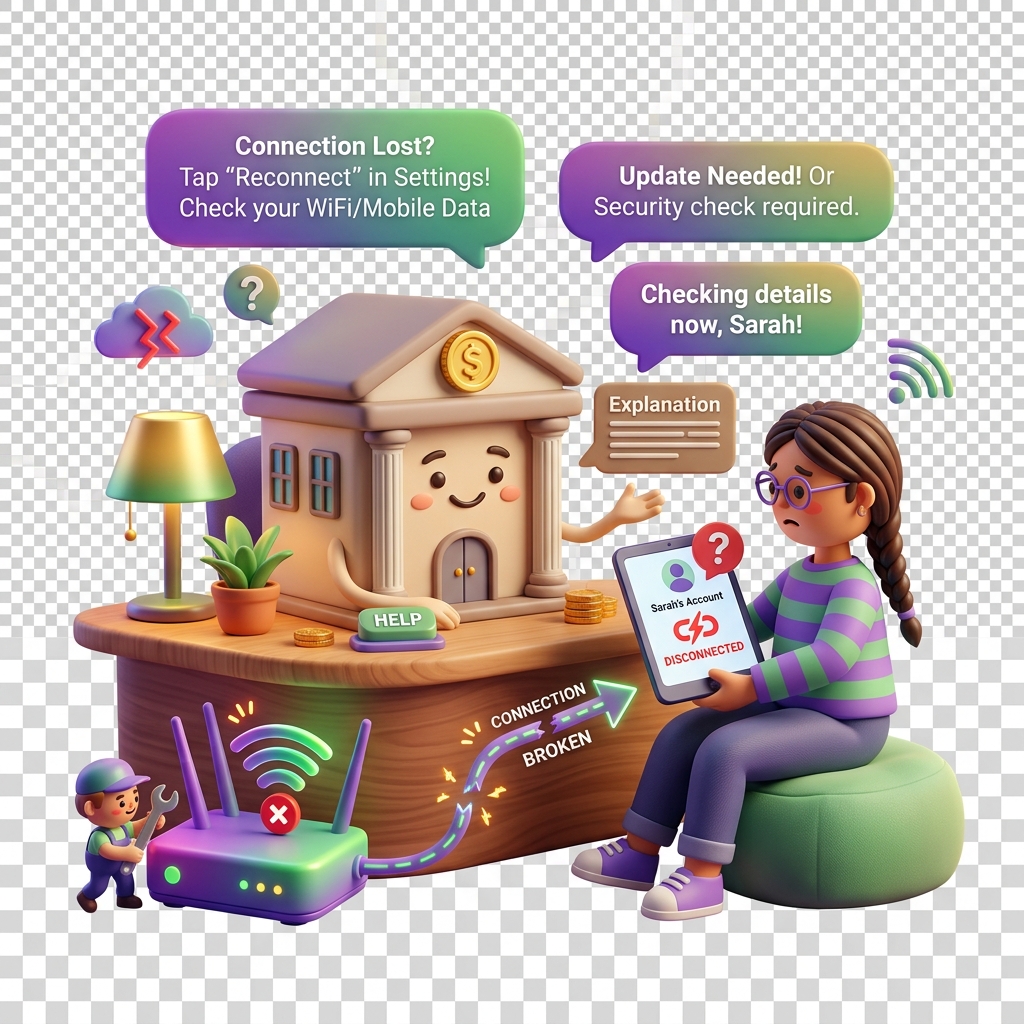
Why Your Bank Account Is Showing as Disconnected
Bank disconnections are one of the most common disruptions families, schools, and businesses encounter on KiddyCash — and they almost always have a fixable root cause. This guide walks you through how to read the symptoms, understand what broke the link, and restore it cleanly without losing your transaction history.
Symptoms to Look For
Before diving into causes, confirm you’re dealing with a true disconnection rather than a display glitch:
- A red or amber warning badge next to your linked account in Integrations
- Allowance top-ups failing silently — funds not reaching kids’ wallets even though no error was shown at checkout
- Subscription or campaign payments returning a “funding source unavailable” error
- Transaction codes generating successfully but settlement stalling for more than 24 hours
- A banner in your dashboard reading “Action required: reconnect your bank”
If you’re seeing one or more of the above, your connection is broken or degraded — not just slow.
What Actually Causes a Disconnection
Bank links on KiddyCash run through a regulated open-banking layer. Several things can break that handshake:
1. Credential or token expiry Most bank integrations use time-limited OAuth tokens. If you updated your internet banking password, enabled a new 2FA method, or your bank rotated its API credentials, the token KiddyCash holds becomes invalid. This is the most common cause — especially after banks push security updates, which local banks like Equity and KCB tend to do with little notice.
2. KYC/KYB status change If your KYC (individual) or KYB (business/school) verification recently flagged an issue or entered a review state, linked payment sources are temporarily suspended as a compliance measure. Reconnecting won’t work until verification is resolved first.
3. Bank-side account changes A change in account signatories, a dormancy flag, or a shift from a personal to a business account type at your bank will break the existing link — even if your IBAN or account number hasn’t changed.
4. mobile money paybill or till number changes For families and businesses using mobile money as a funding source, an expired or reassigned paybill number will cause the same disconnected state. This is particularly relevant for schools in urban centres managing fees in your local currency through multiple collection points.
How to Reconnect Without Losing History
Transaction history is stored independently of the live bank connection — unlinking and relinking does not delete past records.
- Go to https://kiddy.cash/integrations and locate the disconnected account.
- Click Reconnect (not Remove). This preserves the account’s internal ID and keeps all historical transactions mapped correctly.
- Complete the re-authentication flow from your bank. If your bank requires a one-time PIN or hardware token, have it ready before starting — the session times out after 3 minutes.
- Once reconnected, trigger a small manual top-up (even the equivalent of 1 in your local currency) to confirm the link is live before resuming automated allowances or subscription billing.
- If the Reconnect button is greyed out, your KYC/KYB status is blocking the action. Check your verification status in your account settings before retrying.
Note: If you removed the account instead of reconnecting it, contact KiddyCash support with your account email. Historical transactions can be re-attributed manually — it’s a recoverable situation, just slower.
When to Contact Support
Escalate if:
- The reconnection flow completes successfully but the account still shows as disconnected after 30 minutes
- You’re operating a school or business account with multiple signatories and the bank is rejecting the auth flow
- The disconnection coincides with a recent KYB review decision you disagree with
Related Articles
- troubleshooting/kyc-kyb-verification-issues
- troubleshooting/allowance-top-up-failed
- troubleshooting/transaction-code-settlement-delay