
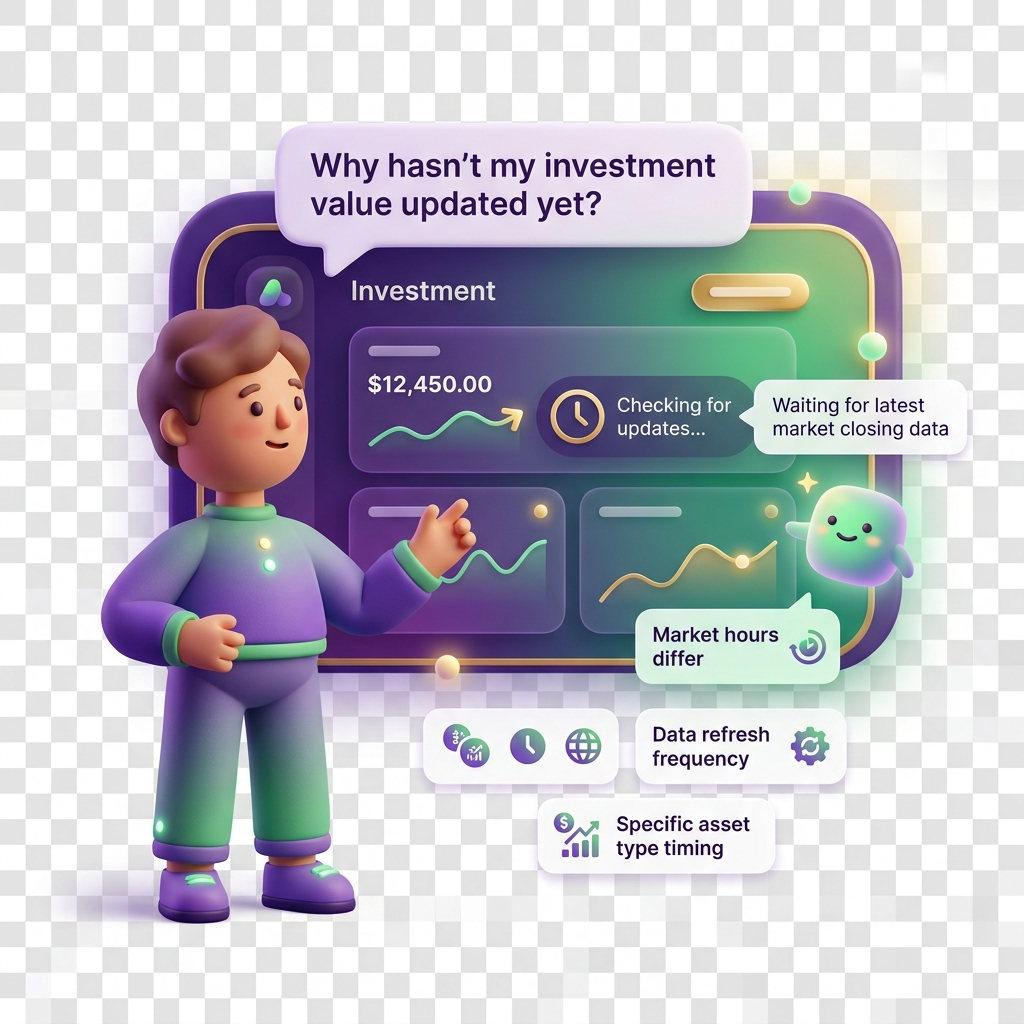
Why my investment value is not updating
Simulated investments in KiddyCash are designed to mirror real-world market behaviour, but there are specific conditions where a price can appear frozen or outdated. If you’re seeing a stale value, here’s how to read the situation and fix it.
Symptoms
You may be experiencing this issue if:
- The investment value shown in your child’s portfolio hasn’t changed in 24 hours or more
- The “Last updated” timestamp is significantly behind today’s date
- The percentage gain or loss appears identical across multiple sessions
- A recently added investment still shows its initial purchase price with no movement
What causes stale investment prices
1. Market data sync delays
KiddyCash pulls simulated price data on a scheduled basis. If the upstream data feed experiences a delay — common over public holidays or weekends when markets are closed — the last known price is held in place until the next successful sync. This is expected behaviour, not an error.
2. The investment was added during an off-market window
If you or your child created an investment position late on a Friday evening (say, after market close in your timezone) or over a long weekend, the first price update may not reflect until the following trading day. The entry price is locked in, but movement won’t appear until the market feed resumes.
3. A pending KYC verification is blocking data
In some cases, incomplete identity verification can cause parts of the investment dashboard to render in a limited state, including frozen prices. If your family account has outstanding KYC steps, this can silently restrict live data features.
4. A cached view in the app
The app aggressively caches portfolio data to reduce data costs — relevant if you’re on a mobile bundle in many markets, Uganda, or many markets where background data is precious. A cached view can persist long after fresh data is available on the server.
How to resolve it
Step 1: Force a manual refresh
Navigate to your family’s investment dashboard and pull down to refresh on mobile, or use the reload icon on desktop. This bypasses the cache and fetches the latest synced price directly.
Step 2: Check the last sync timestamp
On the investment detail screen, look for the “Price as of” label beneath the asset name. If it shows a date more than two trading days ago, the issue is on the data feed side and will self-resolve once the next sync completes — typically within a few hours.
Step 3: Confirm your KYC status is complete
Head to your family profile and verify that all required identity documents have been approved. A partially verified account can quietly limit what investment data is rendered. Once KYC clears, the investment view usually updates within one business day.
Step 4: Log out and back in
A full session reset clears the local data cache more thoroughly than a pull-to-refresh. Sign out, close the app completely, reopen, and sign back in. This is particularly effective if you’ve recently topped up a child’s wallet via mobile money and the ledger state is out of sync with the investment view.
Step 5: Contact support
If the value is still stale after 48 hours and you’ve completed the steps above, reach out through the in-app help chat. Include the investment name, the “Price as of” date you’re seeing, and your account region (e.g., your local currency-denominated accounts are handled by a separate data pipeline than USD-pegged simulations).
Note: KiddyCash simulates investment behaviour for financial literacy purposes. Prices are not live market quotes and are not connected to any brokerage or trading platform.
Related articles
troubleshooting/why-my-childs-wallet-balance-looks-wrongtroubleshooting/kyc-verification-pendingtroubleshooting/app-cache-and-data-issues